

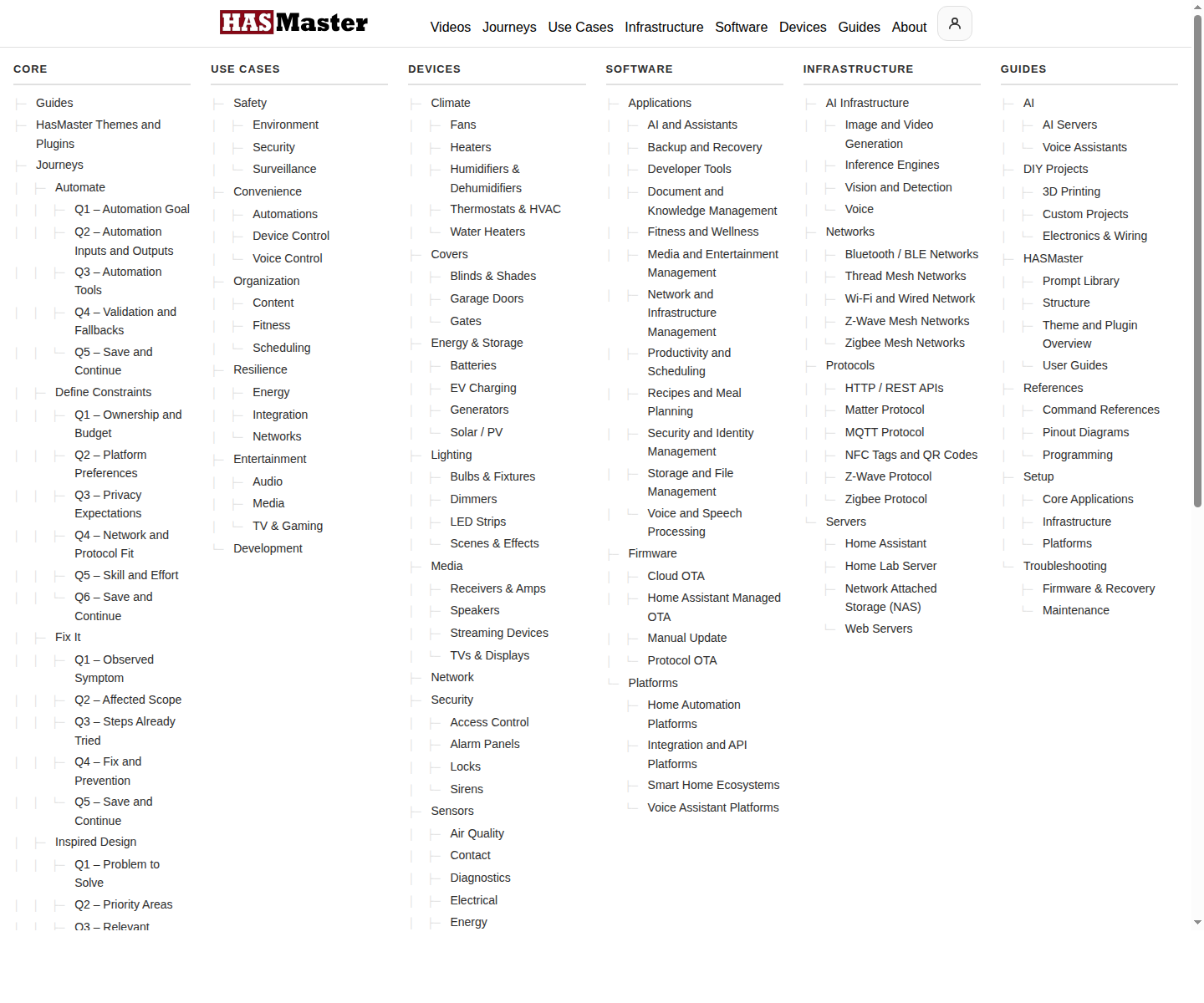
Outcome: Understand what HASMaster is, which package fits your site, and how the theme, plugin, taxonomy, journeys, content model, and AI capabilities fit together.
What HASMaster Is
HASMaster is a self-hosted WordPress platform for designing, operating, and maintaining home automation knowledge. It combines a block theme, a structured content plugin, household workspaces, journey pages, and optional AI guidance.
Why It Exists
- Design before buying.
- Organize content by outcome.
- Connect devices, software, guides, and infrastructure.
- Give households a private working library.
- Use AI without giving up control of the site.
Lifecycle And SCORE
| Lifecycle | Meaning |
|---|---|
| Design | Define goals, constraints, and the system you are building toward. |
| Operate | Run the system with compatible components and guided workflows. |
| Maintain | Keep documentation, backups, prompts, and component knowledge current. |
S - Safety
C - Convenience
O - Organization
R - Resilience
E - Entertainment
What Buyers Get
| Package | Includes |
|---|---|
| Theme Only | Block theme, templates, patterns, directory UI, taxonomy landing UI, and journey navigation UI. |
| Theme + Plugin | Theme plus six content types, taxonomies, household library, account workspace, admin tools, pipelines, and backups. |
| Full Bundle | Theme + Plugin plus AI assistant, journey-aware routing, stage prompts, BYOK endpoint support, and prompt governance. |
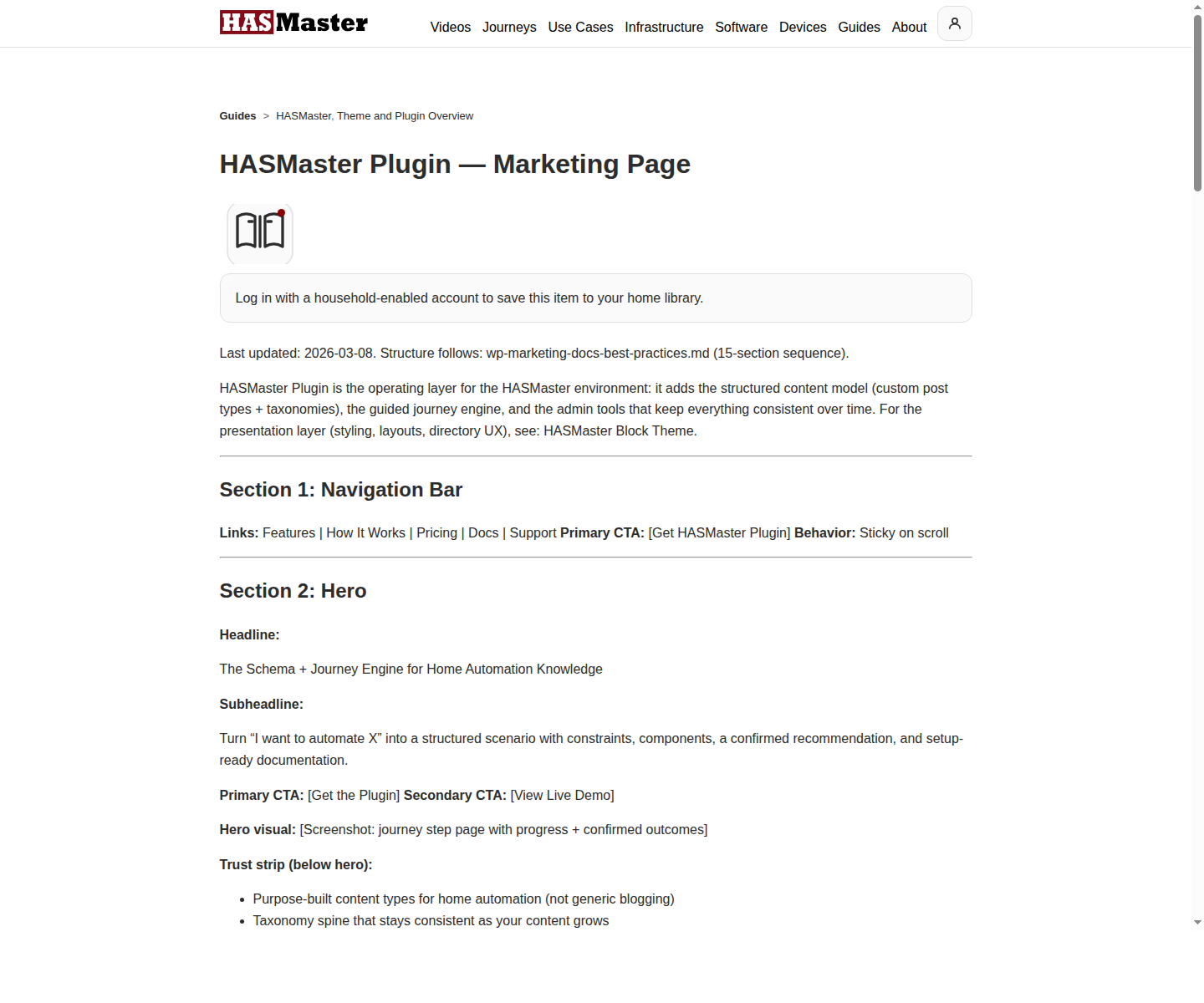
Core Capabilities
- Gutenberg-native theme with directory filters, result headers, taxonomy landing layouts, and journey navigation.
- Six public content types for devices, use cases, guides, software, infrastructure, and videos.
- Shared and type-specific taxonomies with compatibility badges.
- Household ownership, roles, Account, and My Home workspaces.
- Maintenance tools, content pipelines, runtime registries, and prompt/source health checks.
- Optional AI assistant with journey-aware routing and bring-your-own-key provider support.
Journeys
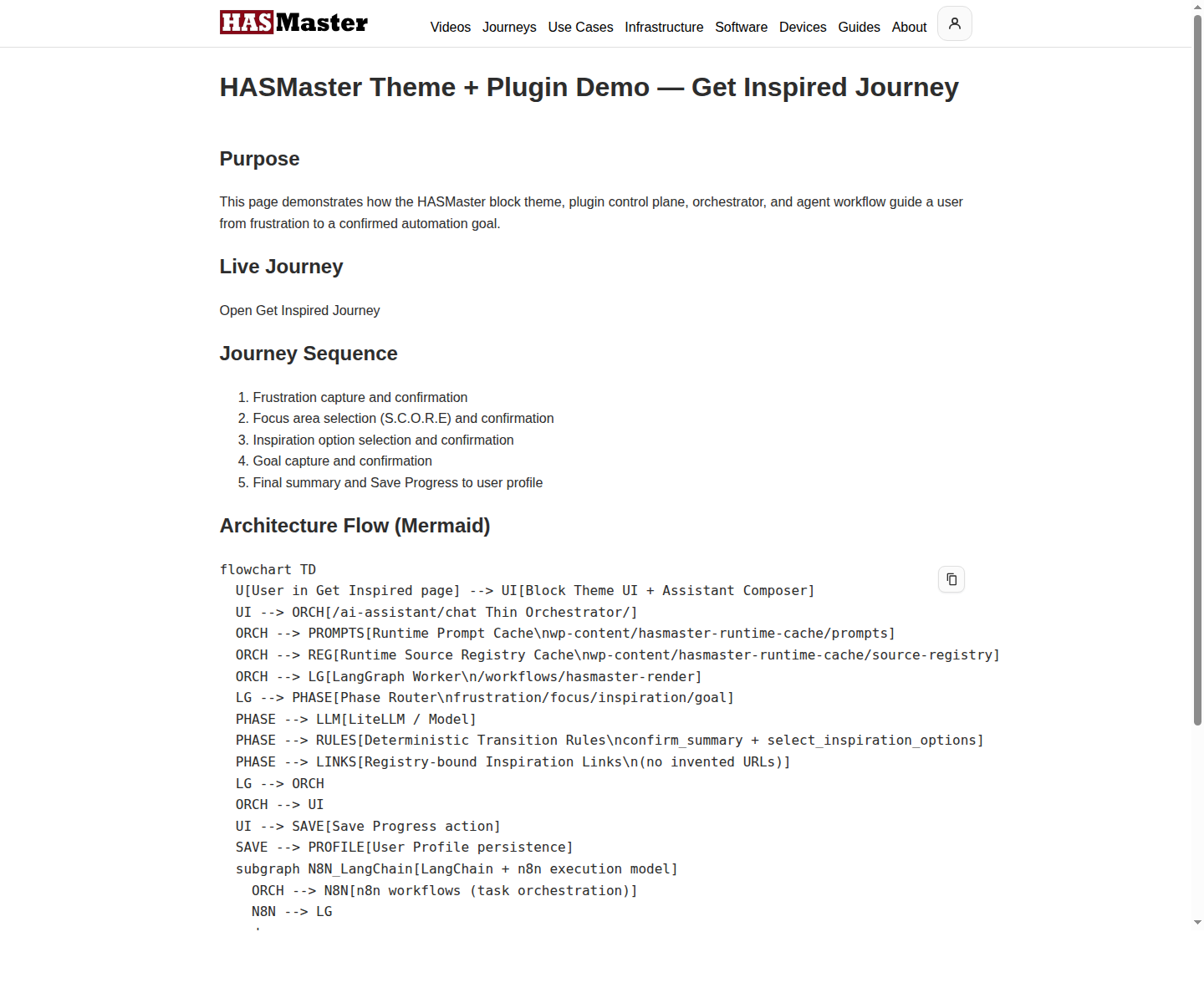
Inspired Design -> Define Constraints -> Select Components -> Set Up -> Automate -> Fix ItEach stage can combine examples, AI guidance, user confirmations, and saved scenario state.
Content And Taxonomy
- Use cases explain the outcome.
- Devices explain hardware fit.
- Software explains application fit.
- Infrastructure explains operating layers.
- Guides explain how to do the work.
- Videos carry video-first stories and demos.
Privacy And Fit
HASMaster is self-hosted. Content, households, user data, and AI sessions live on the buyer’s WordPress infrastructure. The AI add-on is BYOK, so token usage and provider choice stay with the site owner.
It is strongest for home automation enthusiasts, creators, consultants, and home lab operators who want a structured, AI-ready publishing system.