
TP-Link | HS200

Description

TP-Link|HS200 device overview.
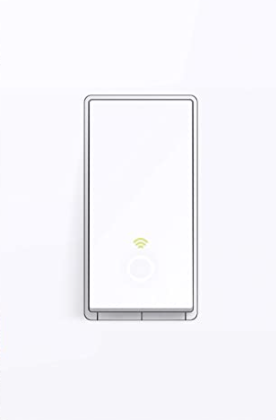
TP-Link|HS200

Overview

My Implementation

I haven't deployed TP-Link|HS200 yet; evaluating integration options and placement.

Device Score Summary

CategoryScoreRationale
Features★★★☆☆Core capabilities documented; model-specific depth varies.
Interoperability★★★☆☆Integration available via TP-Link Kasa Smart.
Setup Ease★★★☆☆Typical setup for this device category.
Cloud Dependency★★★☆☆Depends on integration and firmware options.
Vendor Trust★★★☆☆Based on available documentation and product lineage.
Overall★★★☆☆Solid option when matched to the right use case.

★★★★★ Exceptional | ★★★★☆ Very Good | ★★★☆☆ Good Enough | ★★☆☆☆ Frustrating | ★☆☆☆☆ Avoid

Features

Specifications

PriceNot specified
ProtocolIEEE 802.11b/g/n
Hub RequiredNo
PowerInput voltage 100-120 V~, 50/60 Hz, 15 A; Output voltage 15 A Maximum Load General Use; Maximum Load 15 A General Use, 600 W Incandescent/LED/CFL; Maximum Power 1800 W
Cloud DependencyNone (local control)
HA IntegrationTP-Link Smart Home integration
Voice ControlAlexa, Google Assistant
Dimensionswith panel 5.06*3.33*1.74 in. (128.65*84.65*44.21mm); without panel 4.13*1.71*1.74 in. (105*43.5*44.21mm)
WarrantyNot specified

Home Assistant Integration

Integration Method: TP-Link Kasa Smart

  • Requirements: Follow the integration documentation and ensure network connectivity.
  • Entities: Varies by device and integration.
  • Setup: Configuration → Integrations → Add → TP-Link Kasa Smart
  • Notes: Firmware options can affect features and local control.

Practical Considerations

  • Verify firmware compatibility and integration support before purchase.
  • Placement and network coverage impact reliability.
  • Use local control when available.

References