
Description
Mobile phones are not only a primary sensor for reporting numerous sensor states on the phone, but is also a primary mechanism used to see status and control sensors all other home automation devices, via voice and touch screen. IoS devices are fully integrated with Home Assistant using the Companion Mobile Application.
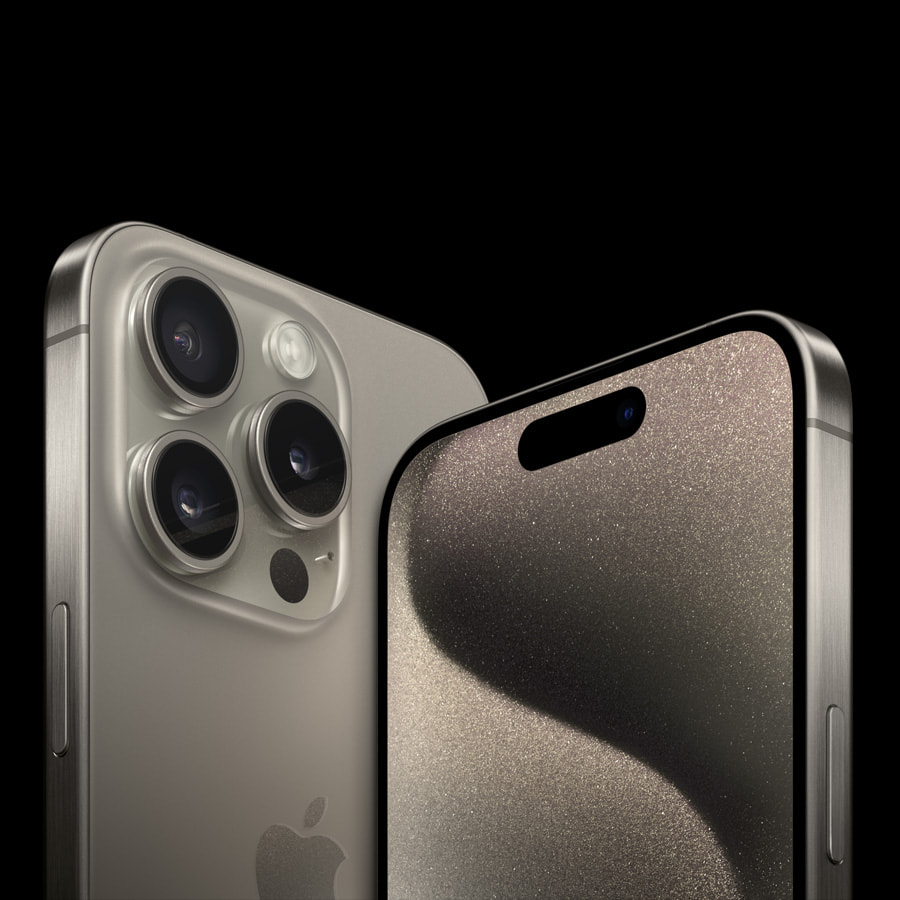
Overview
My Implementation
Mobile phones are not only a primary sensor for reporting numerous sensor states on the phone, but is also a primary mechanism used to see status and control sensors all other home automation devices, via voice and touch screen. IoS devices are fully integrated with Home Assistant using the Companion Mobile Application. iPhone 15 Pro Max Phone Sensors Mobile Control.
Device Score Summary
| Category | Score | Rationale |
|---|---|---|
| Features | ★★★☆☆ | Core capabilities documented; model-specific depth varies. |
| Interoperability | ★★★☆☆ | Integration available via Manual. |
| Setup Ease | ★★★☆☆ | Typical setup for this device category. |
| Cloud Dependency | ★★★☆☆ | Depends on integration and firmware options. |
| Vendor Trust | ★★★☆☆ | Based on available documentation and product lineage. |
| Overall | ★★★☆☆ | Solid option when matched to the right use case. |
★★★★★ Exceptional | ★★★★☆ Very Good | ★★★☆☆ Good Enough | ★★☆☆☆ Frustrating | ★☆☆☆☆ Avoid