Outcome: Install the HASMaster WordPress theme, core plugin, optional AI Assistant add-on, and supporting configuration for the package you purchased.
Package Paths
| Package | Install | Best for |
|---|
| Theme Only | HASMaster Block Theme | Design system, templates, patterns, and directory UI. |
| Theme + Plugin | Theme plus Core Plugin | Full content model, taxonomies, household tools, and admin workflows. |
| Full Bundle | Theme, Core Plugin, and AI Assistant | Journey-aware AI using your own AI endpoint and key. |
Requirements
- WordPress 6.6 or newer.
- PHP 8.1 or newer.
- Single-site WordPress install.
- Admin access to install themes and plugins.
- For AI: an OpenAI-compatible endpoint and API key.
Install And Configure
- Upload and activate the HASMaster theme from Appearance -> Themes.
- For Theme + Plugin and Full Bundle, upload and activate the Core Plugin.
- Save Settings -> Permalinks once to refresh routes.
- Open Tools -> HASMaster Tools and run the first maintenance check.
- Seed or import baseline taxonomy terms.
- For Full Bundle, activate the AI Assistant and configure your endpoint.
/device/
/use-case/
/guides/
/software/
/infrastructure/
/video/
/account/
/my-home/
Launch Checklist
- Theme active.
- Core Plugin active when purchased.
- AI Assistant active only after Core Plugin is healthy.
- Permalinks refreshed.
- Public archives load.
- Maintenance backup completed.
- Household flow tested when enabled.
- AI endpoint health checked when enabled.
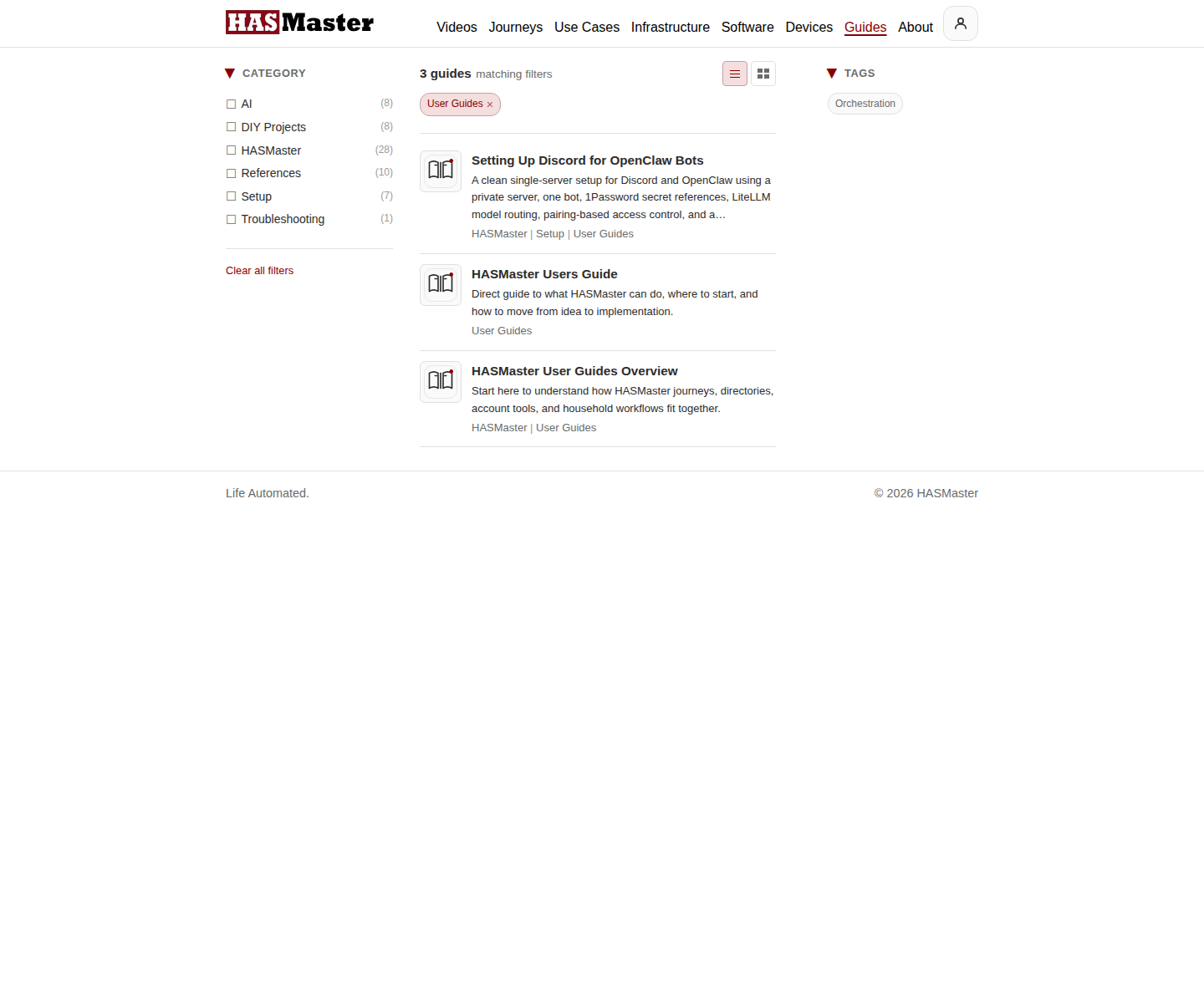
https://hasmaster.com/guides/?category=hasmaster-user-guides
Troubleshooting
| Symptom | Check |
|---|
| Archive returns 404 | Save permalinks again. |
| Directory blocks show no content | Confirm the Core Plugin is active and content exists. |
| AI chat does not respond | Check endpoint URL, API key, nonce/session, and provider health. |
| Household copy is not editable | Confirm household membership and role. |

